Cormang

Cormang


Embedding a 100% height iframe in SharePoint Online Modern pages

Before SharePoint Online, I embedded cross-origin iframes to applications using the method described here. It uses a basic JavaScript Event Listener to receive requests from the child, such as resizing an iframe object on the parent to match the height of the content within. I modified this code to also use contain an Event Listener to scroll to the top of the parent when a page loads within the iframe. But this recently broke when Microsoft removed some classes from the scrollable div of Modern SharePoint Online pages. But no worries, I have a vanilla JavaScript solution.


VAC was unable to verify the game session

There seems to be an increase in the number of gamers receiving the error “VAC was unable to verify the game session” when trying to use match making in CSGO. This error typically occurs when a client file is corrupt…

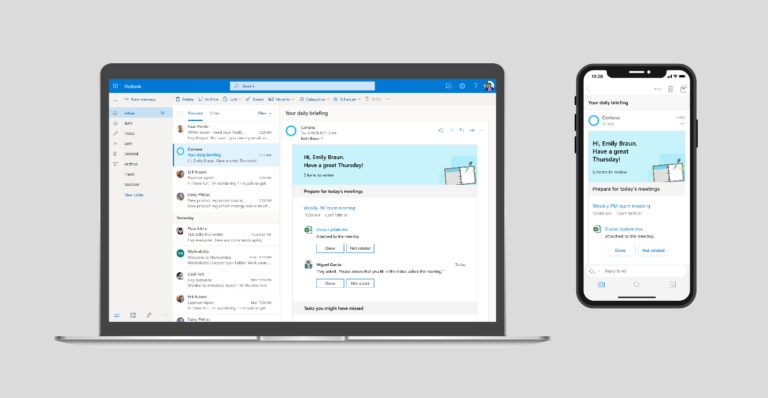
Outlook search not working

Windows Updates or Office 365 updates can break the Search Index database. The Search Index is used to provide instant search results. When the index is corrupt, search can become unreliable. For example, you may search for a phrase of a subject line known the emails exists but it does not display in the list of search results. Find Related Messages will also become unreliable. Fortunately the problem is fairly easy to fix.


How to increase vCenter Appliance web client session timeout

As of vSphere 6.7 Update 1, the vCenter vSphere Client (also referred to as the HTML5 client) has reached feature parity with the now deprecated Thick Client and Web Client. But one of the biggest annoyances with the vSphere Client is the default Session Timeout value of 120 minutes. It seems like I'm constantly re-authenticating. Good news, this can be easily changed from the vCenter Appliance Shell.

Windows Server network Unidentified (Public/Private) when multiple NICs present

Updated February 11, 2019: I was able to resolve the issue by setting the Cisco switch port configurations to an Edge Port. I’ve updated the post with the final solution.   I was struggling to identify an issue where Windows Server would boot with an Unidentified, Public, or Private rather than the appropriate Domain network type. This caused the Windows Firewall to kick in blocking my RDP access. Restarting the Network Location Awareness service or cycling one of the Network Adapters would resolve the issue. But the root cause was a mystery until just recently…